| quote: |
Originally posted by R.Dorothy Waynewright
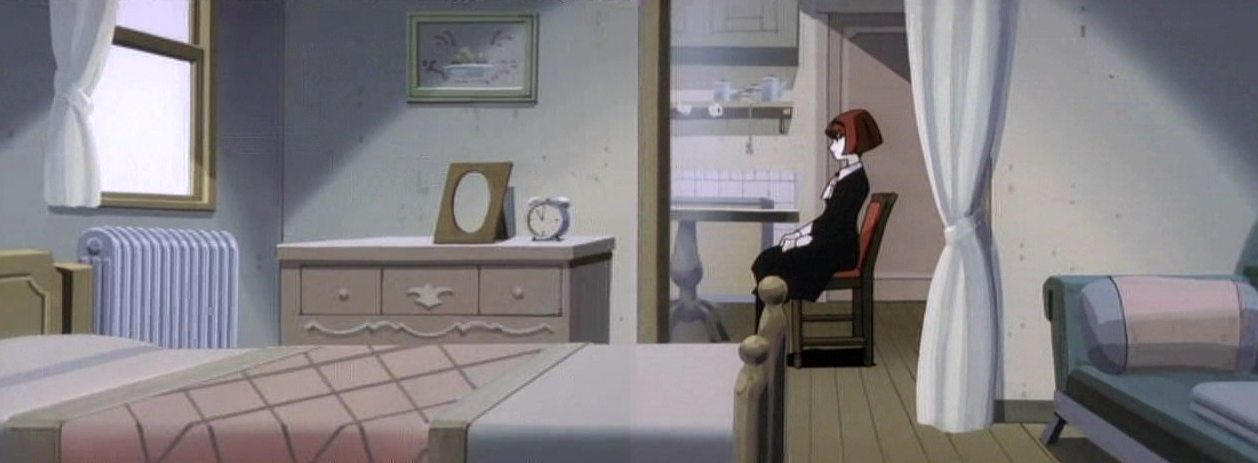
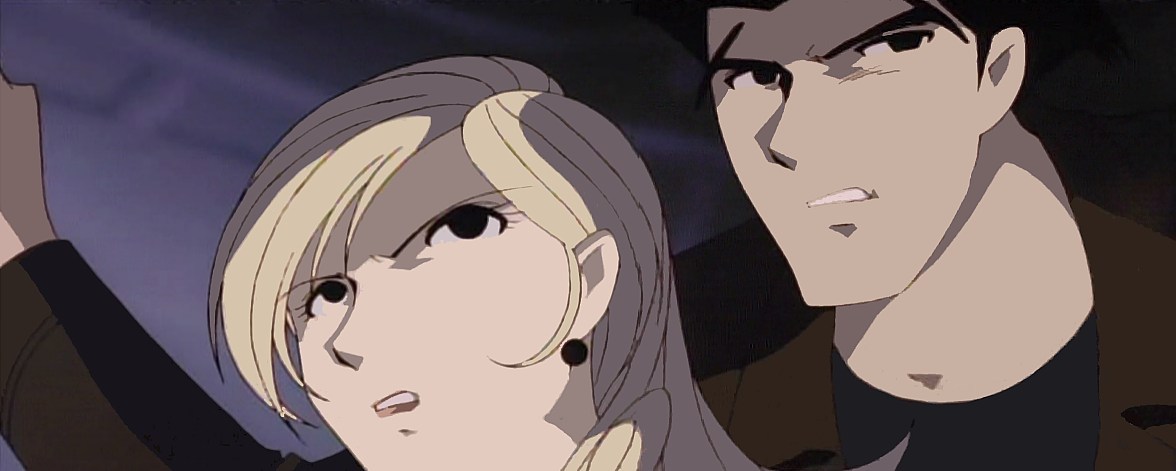
I really have to say all of these are just amazing....but I honestly I have no idea how you are doing what you're doing. I see the results compared to the original screen caps...and I dunno its probably a very simple process I'm just silly and don't understand. Hehe. But nevertheless, I love the panoramics...Tifaria, I really have to say your Dorothy pics are the best. I adore them! |
I want to hear Tifaria's clean little secrets, too, because I think her pictures are coming out cleaner than mine. (I'm using off-the-air recordings rather than the DVDs, which may be part of my problem.)
What *I* do is to adjust the lighting levels so there is both some black and some white in the frame, since my capture card seems to compress the tones somewhat. I usually resize the image to 200% right at the start, too.
Then I make the image look more like a cel by using the eyedropper tool to pick up a color (say, Dorothy's skin tone) and fill the areas using that tone with the fill tool. By making the colors solid, rather than kinda-sorta the same, they look a lot more vivid.
(In my paint program -- Corel PhotoPaint, there's a control on the fill tool that tells it how far to spread the color. If it's set to, say, 1, it only spreads to pixels that are practically the same color as the one under the pointer. If it's set to 10, it will spread to somewhat dissimilar colors. If it's set to 99, it'll fill the whole picture!)
This method tends to damage the outlines. I don't have a steady enough hand to clean them up easily. When I do it anyway, I set a pen to the appropriate width, pick up the outline color with the eyedropper tool -- but usually also set the pen to have a transparency of 50%. That gives some tolerance for slight errors.
Stitching together frames to make a panoramic is easy. You crop off any part near the top or bottom that looks iffy, and adjust the lighting, if necessary, so the frames match. Then overlay them until they fit. It may help to set the piece you're moving to be partly transparent as an aid to alignment.
Sometimes a panoramic doesn't quite work because something in the frame was moving. Then you have to get creative and alter something.
When I'm all done, I save the image and THEN reduce it back to its original resolution as a Corel Paint file, then save it at its original resolution as a JPEG.
I'm sure there are lots of tricks I haven't learned yet.

 If you haven't already guessed, "Missing Cat" is my favorite episode, so I had piece together a Dorothy/Pero pic.
  ) This is the part right after Roger finds his desk in a mess and he chides Dorothy for taking in a cat who obviously has an owner.